 Fieldclip
Save any web page to your Notion database, with the columns filled in
Fieldclip is a Chrome extension. Click it on any page, check the pre-filled fields, and press Save. The page lands in your database as a real row with title, URL, author, date, tags and image in their own columns.
No account. No tracking. Your data goes only to Notion.
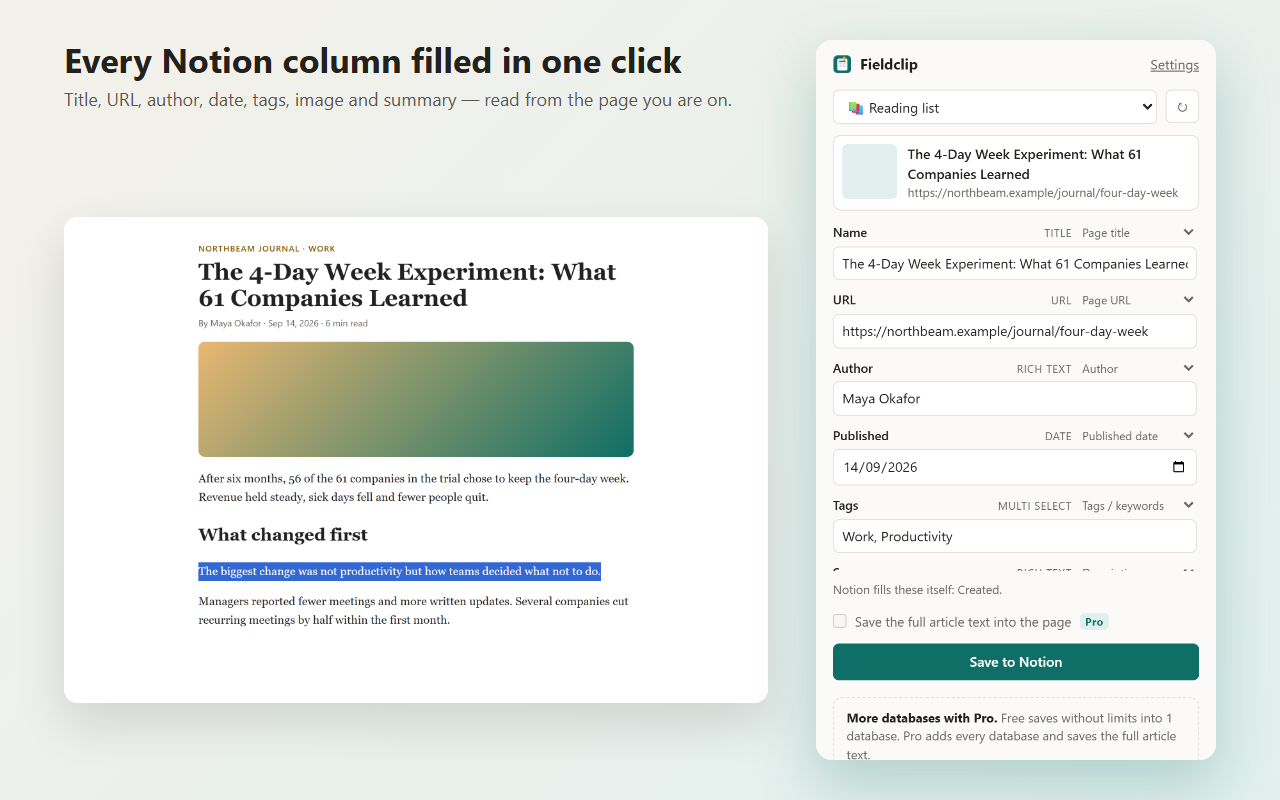
Real columns, not a blob of text
Most clippers save a title and a link, or dump the page as text. Fieldclip reads what the page already says about itself and maps it to the properties of your database.
What it can fill
- Page title and URL
- Author, site name and publish date
- Description, tags or keywords, cover image
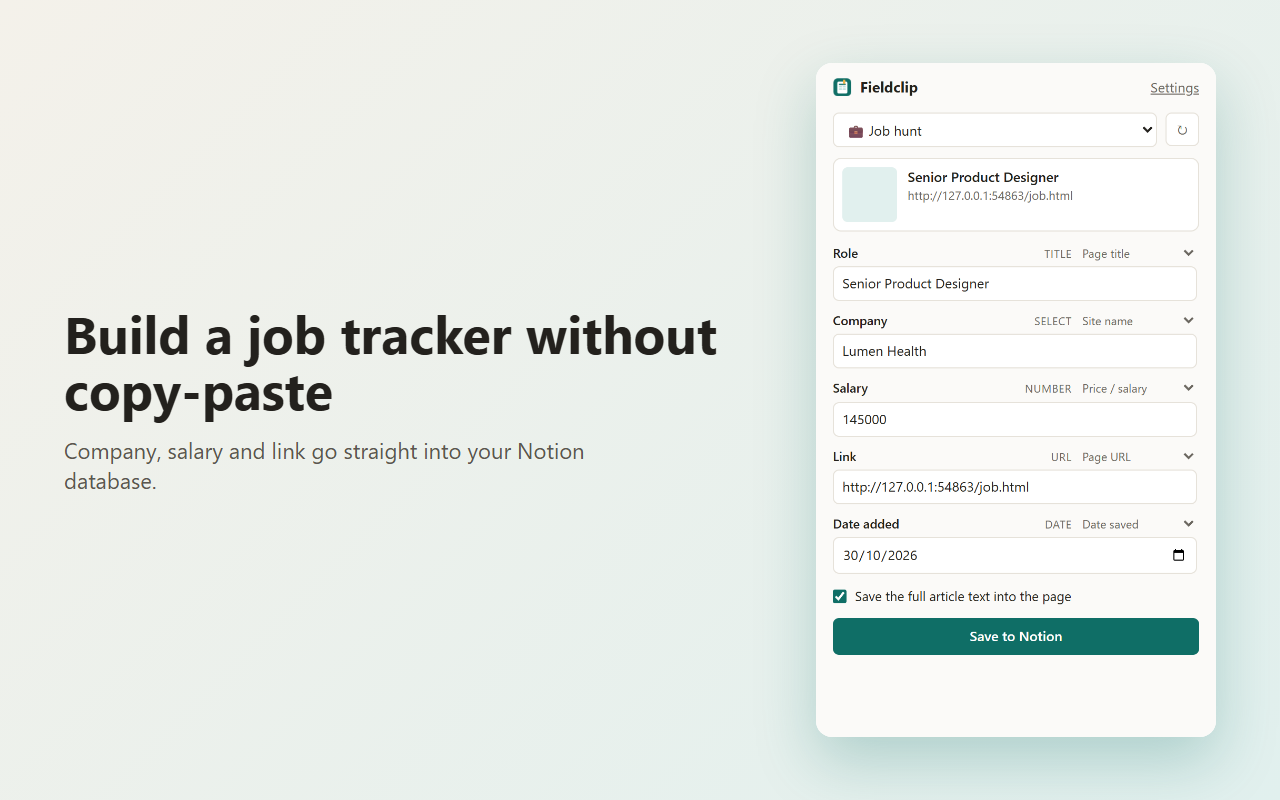
- Price or salary when the page publishes it
- Date saved, reading time, text you selected
How it decides
Fieldclip matches your column names and types (a "Company" column, an "Author" column, a date column) to the data it found. You can change the source of any column, and edit every value before you save.
Text, URL, date, select, multi-select, number and files columns are supported. Formula, rollup and relation columns are shown but left alone.
See it in action
How it works
-
Connect your workspace
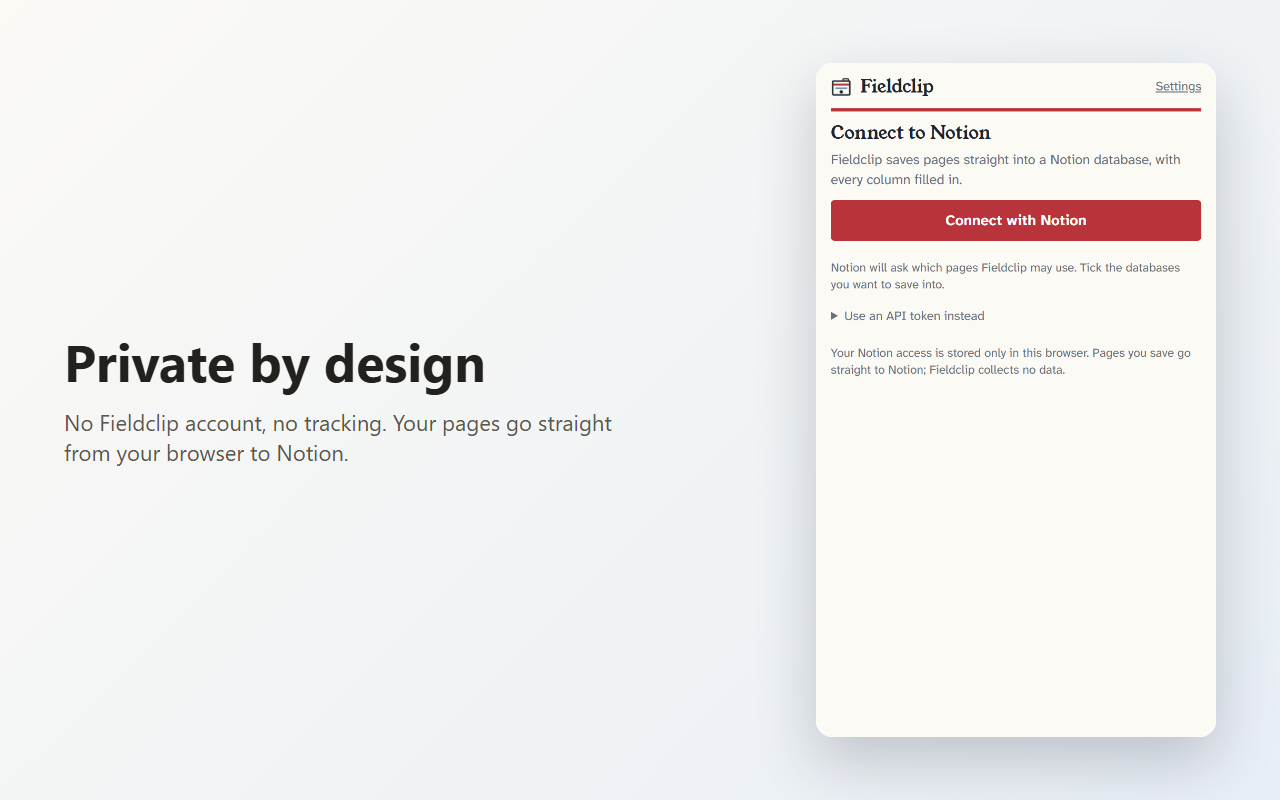
Click Connect with Notion and tick the databases Fieldclip may use. Prefer full control? Paste a token from your own Notion connection instead. Step-by-step guide.
-
Pick a database
Choose the database you want to clip into: a reading list, research log, job tracker or bookmark collection.
-
Clip any page
Click the Fieldclip icon, review the pre-filled fields, and press Save to Notion. A save takes about a second.
Free vs Pro
Free Forever
- Unlimited saves
- 1 destination database
- Automatic field mapping
- Edit every field before saving
Pro US$3/mo · US$24/yr
- Every database you connect, picked per save
- Full article text saved into the Notion page body, including Reddit and Hacker News threads with top comments
US$3/month or US$24/year, cancel anytime from the extension's Settings. Founder price: 50% off for life with code FOUNDER at checkout, first 100 buyers only. The Free plan keeps everything listed here.
Private by design
- No Fieldclip account. You sign in with Notion, and Fieldclip runs in your browser.
- Your pages never touch our servers. They go straight from your browser to Notion. Your access token is stored only in Chrome.
- Data goes only to Notion. When you press Save, the page details travel straight from your browser to the official Notion API.
- No analytics, no tracking, no ads, no cookies. This website doesn't use any either.
- Reads a page only when you click. Fieldclip looks at the current tab only after you click its icon.
FAQ
Is Fieldclip free?
Yes. The Free plan has unlimited saves into one database, with no time limit. Pro (every database plus full article text) is US$3/month or US$24/year, and you can cancel anytime.
Do I need to paste a Notion token?
No. Click Connect with Notion and approve access on Notion’s own page. If you would rather no server is involved at all, you can paste a token from an internal connection you create and control. The setup guide covers both.
Which columns can it fill?
Title, text, URL, date, select, multi-select, number and files columns. It suggests a source for each column based on the column's name and type, and you can change it. Formula, rollup and relation columns are not written.
Does it save the whole article?
On the Free plan Fieldclip saves the page as a database row with its columns. Saving the full article text into the page body is part of Pro (US$3/month or US$24/year).
Can I edit what gets saved?
Yes. Every field is shown before you save, and you can change any value.
Does it work on every page?
It works on normal web pages. Chrome doesn't let extensions read some pages, such as chrome:// pages and the Chrome Web Store. Pages that publish little metadata will fill fewer columns.
Which browsers are supported?
Fieldclip is a Chrome extension. It may also install in other Chromium-based browsers from the Chrome Web Store, but Chrome is the one it is built and tested for.
Is it made by Notion?
No. Fieldclip is an independent tool that uses the official Notion API.